Hi all,
I am quite excited about onboarding Plane in my team and I already have 1 project trialing with it.
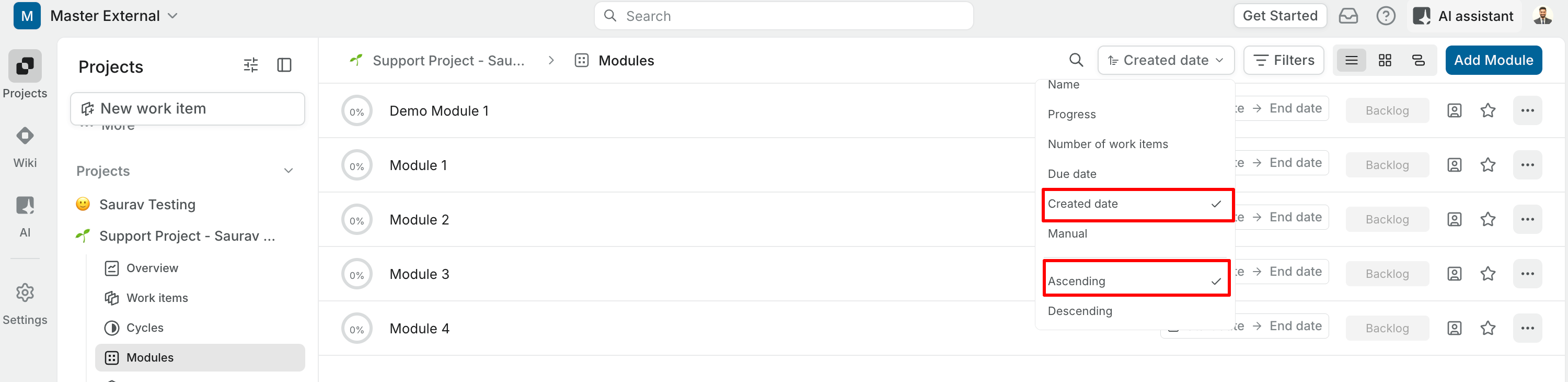
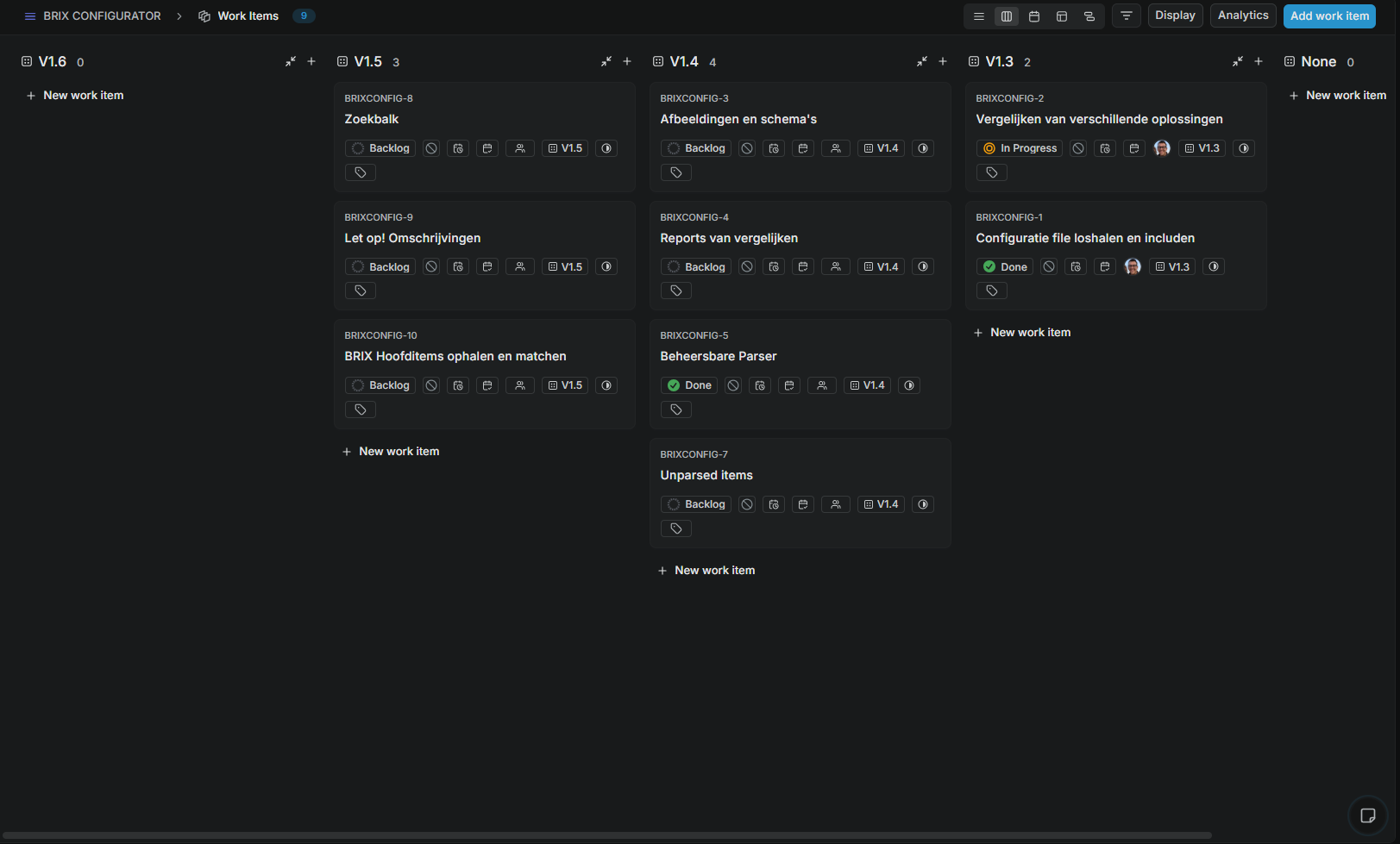
Something that is very anoying to me currently is the Cycles and Modules showing up in the opposite order of the order they are created in.
For cycles (which I use for sprints) I created a workaround to shoot in all my sprints in reverse trough the API, but I know have a software team that want to use modules for versioning and in every view it starts with version 2.5 (for example) on the left and ends with version 0.1 on the right.
I hope I am missing some way to order them?
Or is this considerd a bug?
Kind regards,
Karim