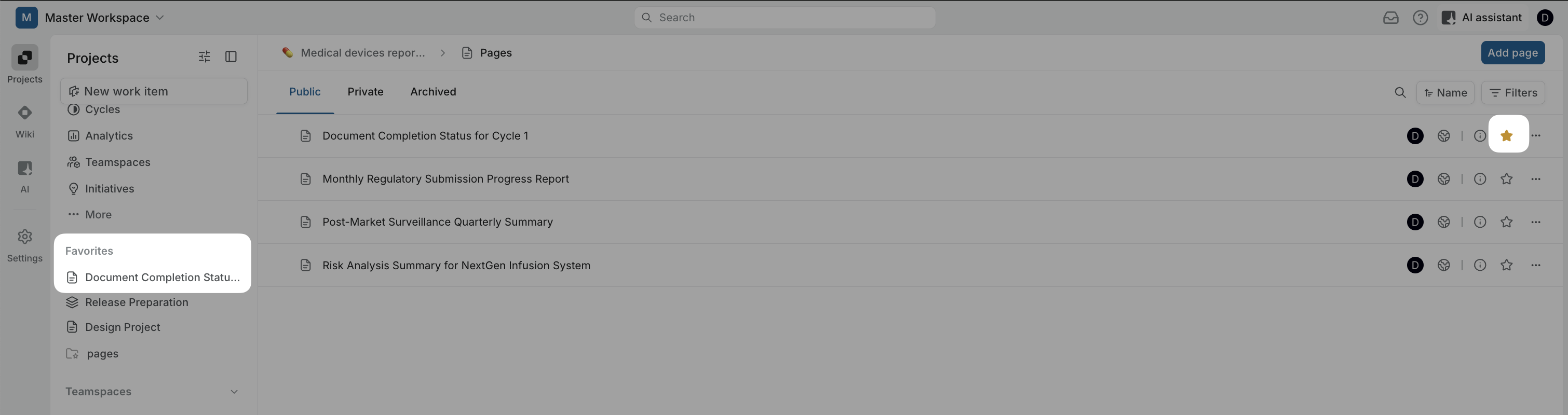
I would like to suggest an improvement for Quick Links in the Home page.
Currently, Quick Links always open in a new tab (_blank).
It would be very useful to allow users to choose whether a link should:
open in the same tab
open in a new tab
This is particularly important when linking to internal Plane pages (e.g. specific workspace views), where opening in the same tab would preserve a smoother workflow and reduce tab clutter.
Alternatively, it could be helpful to have a dedicated “Internal Favorites” section for Plane pages that always open in the same tab (using internal routing instead of target=“_blank”).
Use case:
In our organization we use Plane as an operational dashboard, and Quick Links often point to internal views. Opening a new tab every time creates unnecessary friction.
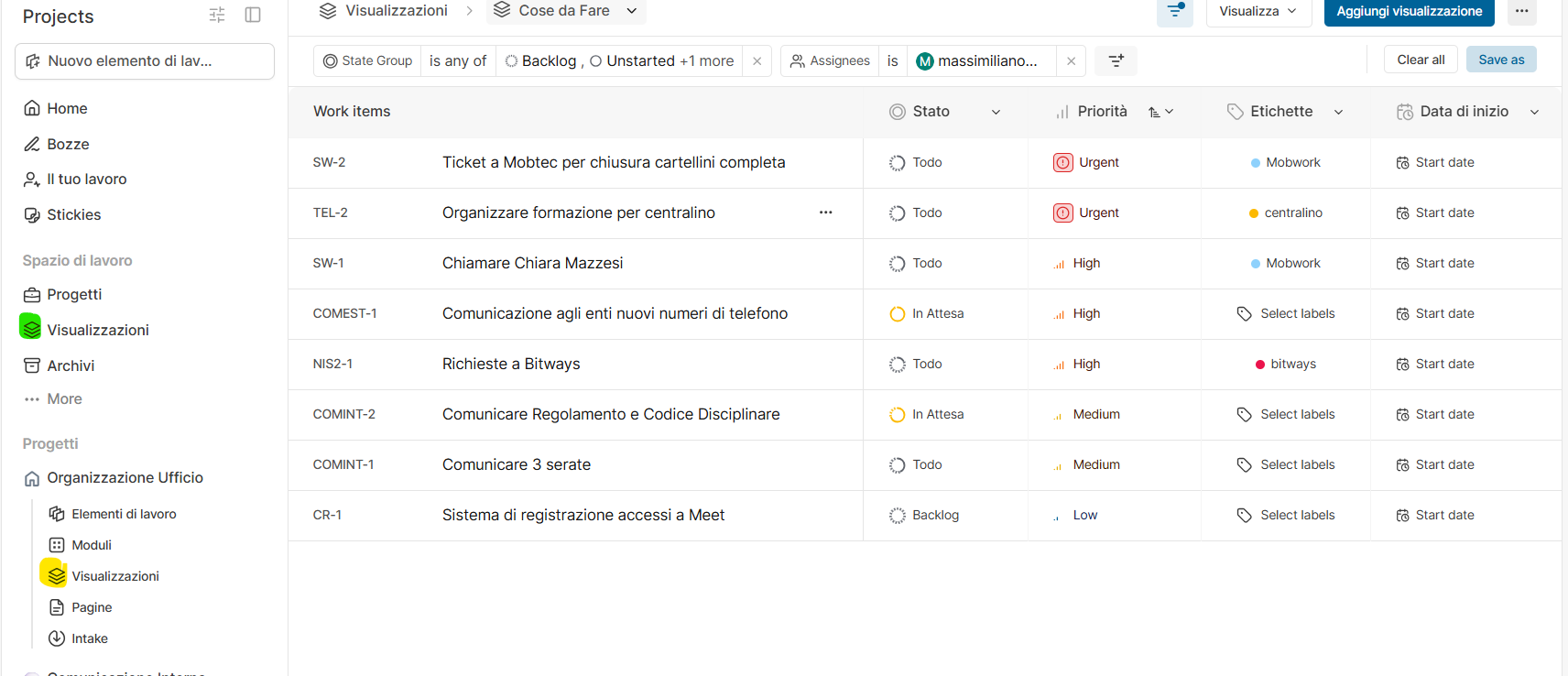
I’ve found the way to bookmark a view (Visualizzazioni in italian) saved at project level (the yellow one in the screenshot)
I’d like to bookmark a view created at the workspace level (the green one in the screnshot) but I can’t find the star icon.